
Attendance in seconds
Open the batch, tap through the roll, done — and the monthly percentage updates for parents and the office at the same moment.
Mark attendance between classes. Check who failed last night's test while you walk to the next batch. The Vyorra Android app carries the same data as the web panel — not a stripped-down companion.
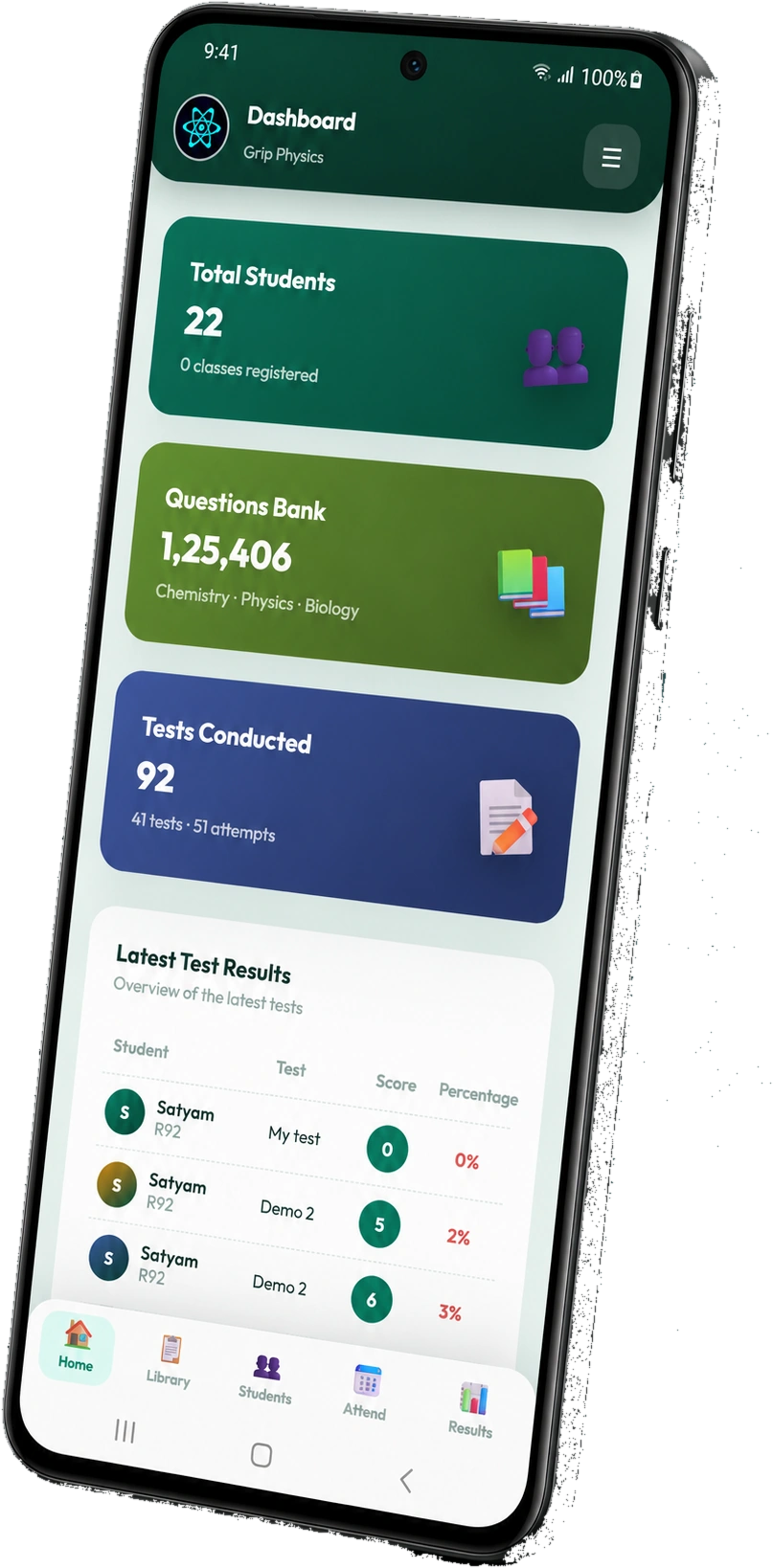
Built for the ten free minutes in a corridor, not for a desk session.
Open the batch, tap through the roll, done — and the monthly percentage updates for parents and the office at the same moment.
Batch averages, toppers and the chapter everyone lost marks on, ready before you reach the classroom.
Search by chapter, topic or difficulty and read the full solution — useful when a student asks mid-corridor.
Score history, attendance and weak chapters on one screen — exactly what a parent asks about at the gate.
Download a generated paper or key as PDF and forward it to a colleague without opening a laptop.
Sensitive actions stay behind your passcode layer, and every faculty action is logged just as it is on the web.
The student portal installs straight from the browser as an app on any phone — Android or iPhone — so no student is blocked by storage space or a slow connection on test day.
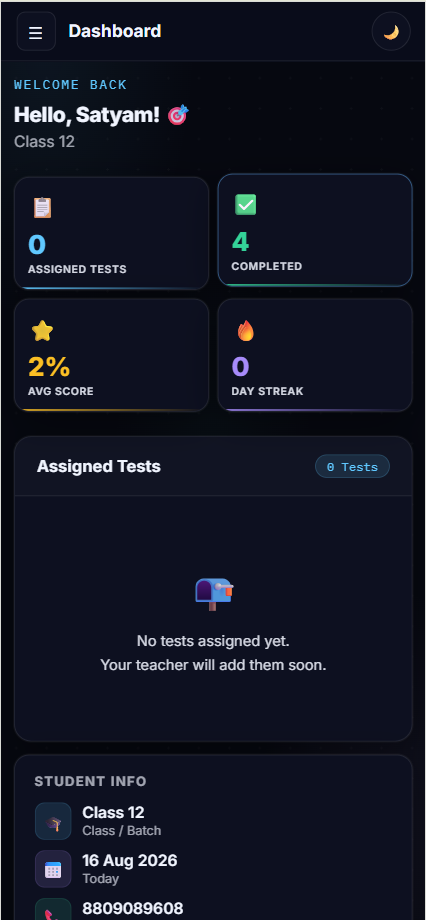
Get the Vyorra Institute app from Google Play on any Android phone or tablet.
Use the institute credentials issued during onboarding — your data is already there.
Invite as many teachers as you like. There is no per-device or per-seat charge.
The live institute demo runs in any browser with sample data loaded — the app mirrors exactly what you see there.